Stop Losing Days to a Part Nobody Reordered
You're building a product with a dozen parts, and one missing bracket can stop the whole line. See what's low, what to buy, and where every job stands, before it turns into a missed delivery date.
Book your free setup call
20 minutes. Bring one build that stalled on a missing part.
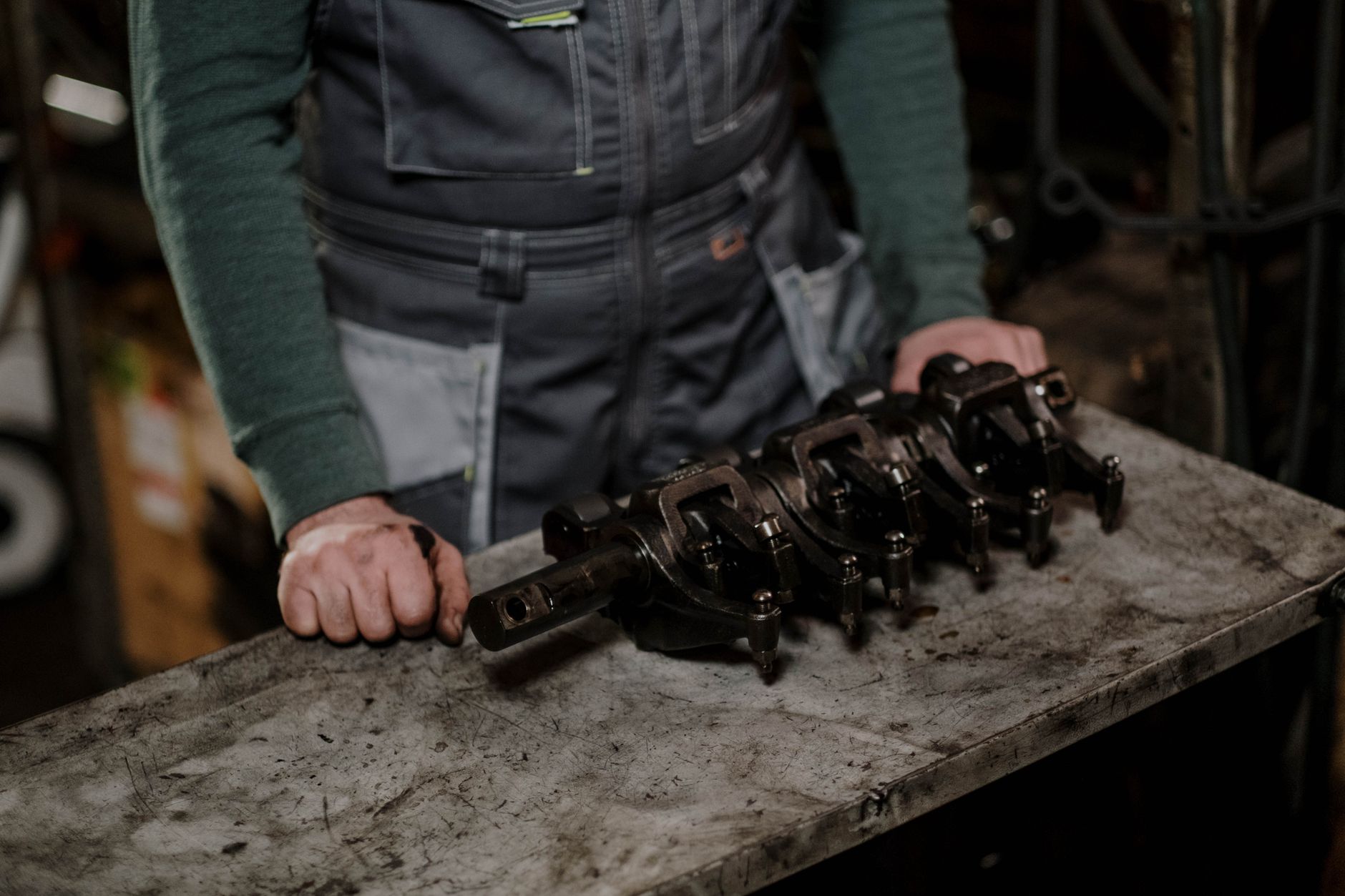
Sound familiar?
You find out a part is out of stock only when the line stops.
Nobody's sure what to reorder, or when, so you either over-order or run out.
You're tracking a multi-part build across spreadsheets, sticky notes, and memory.
One missing part pushes back a delivery date you already promised a customer.
How many builds stopped last month for one missing part? Each one was a day you did not ship.
How it works
From parts list to purchase order, one system.
Build your BOM once
A BOM (bill of materials) is just the full parts list for what you're building, down to every sub-assembly. Enter it once. Change the cost of one part, and that cost rolls up through every assembly that uses it, automatically.
Set reorder points, get low-stock warnings
Tell the system how low is too low for each part. That level is called a reorder point. Stock drops below it and you get a warning, not a surprise on the shop floor.
Run MRP with one click
MRP (material requirements planning) checks what your open work orders need against what you have on hand and on order. One click gives you a suggested reorder list, grouped by vendor, which turns into a draft purchase order. You always review it before it goes anywhere. It never orders on its own.
Track work orders step by step
Every work order breaks down into steps. Mark each one started, done, or skipped. Always know exactly where a job stands, without walking the floor to check.
You get MetaBinary OS, and we set it up for you.
What changes
Fewer jobs held up because a part ran out.
Less time spent guessing what to reorder and how much.
A clear view of where every job stands, without asking around.

Who you're working with
MetaBinary is Joseph Rose. He spent 20+ years building software for enterprise, and held C-suite roles at a manufacturing estimating software company. He built the world's first instant online metal-casting costing engine. You talk to him, not a sales rep.
He has built the software manufacturers quote with — twice.
Questions people ask
- What is a BOM, really?
- It's the parts list for what you build. If your product has sub-assemblies, a multi-level BOM tracks the parts inside each sub-assembly too, not just the top-level list. That's what lets a cost change on one small part show up everywhere it's used.
- Does this order parts for me automatically?
- No. The one-click MRP run suggests what to reorder and drafts a purchase order for you. A person on your team still reviews and sends it. Nothing gets ordered without your say-so.
- Do you support more than one warehouse?
- Not yet. Today, stock is tracked as one pool per company. If you run more than one site, tell us on the setup call and we'll talk through how to handle it.
- Do I have to set all this up myself?
- No. You get MetaBinary OS, and we set it up for you: your BOMs entered, your reorder points set, your team walked through their first MRP run.
See what's low before it stops a job
Book a free setup call. We'll walk through your BOMs and stock, and talk you through what your first MRP run would look like.